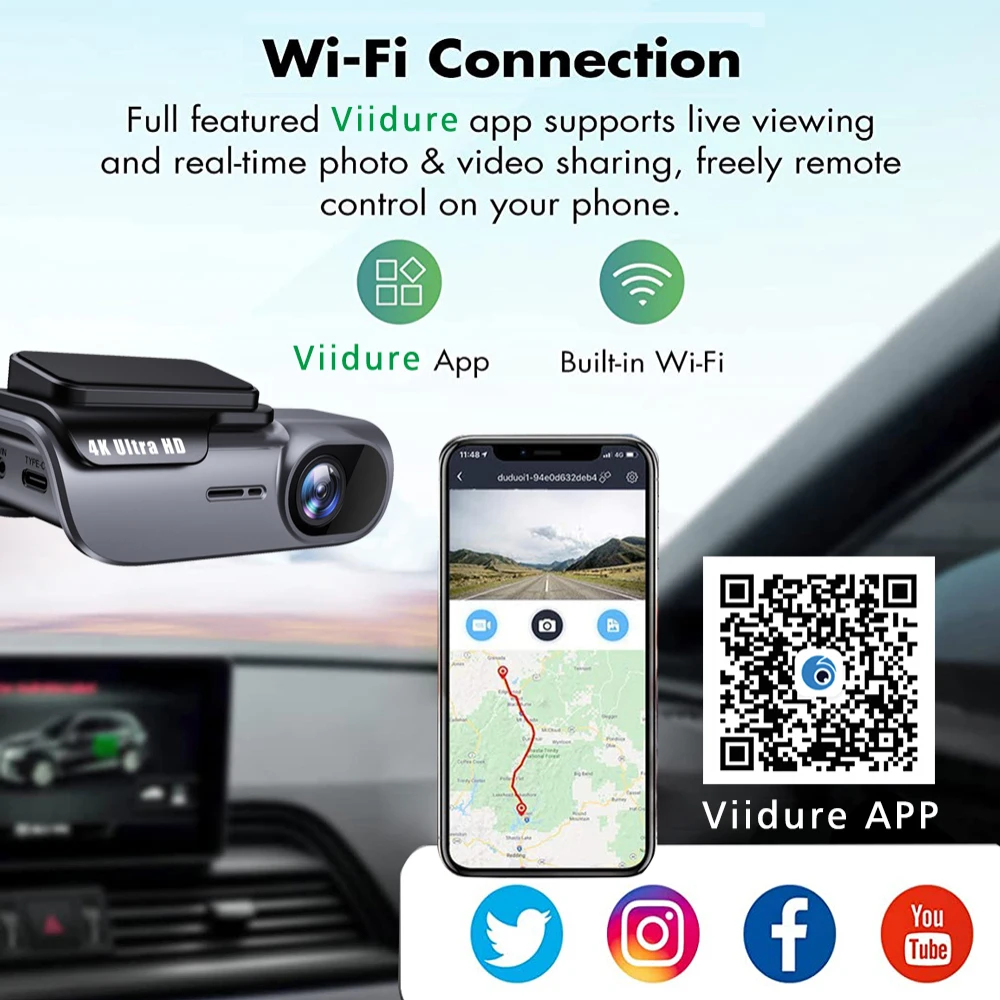
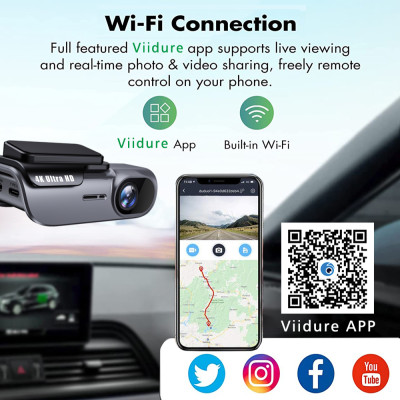
About DVR Menu Language, this DVR operates the menu through the mobile app "Viidure."
The languages supported for operation through the "Viidure" app are:
English, Chinese, Korean, Japanese, Portuguese, Polish, Spanish, Arabic, French, German, Italian, Hebrew, Russian, Turkish, Czech, Dutch,Thai, Vietnamese, Filipino, Malay, Indonesian, and so on.
About WIFI Connection:
1. Before connecting to the DVR on the phone, it is necessary to install the WIFI connection app "Viidure APP" in advance.You can search for "Viidure" installation in the Apple App Store or Google App Market.
2.Open the "Viidure" APP on your phone, enter the configuration mode, turn on the wifi function of the phone, follow the prompts to find the SSID wifi signal(OK***) of the DVR and enter the password(12345678) to connect;
3.After successful configuration, you can connect and operate the DVR through the "Viidure" APP.
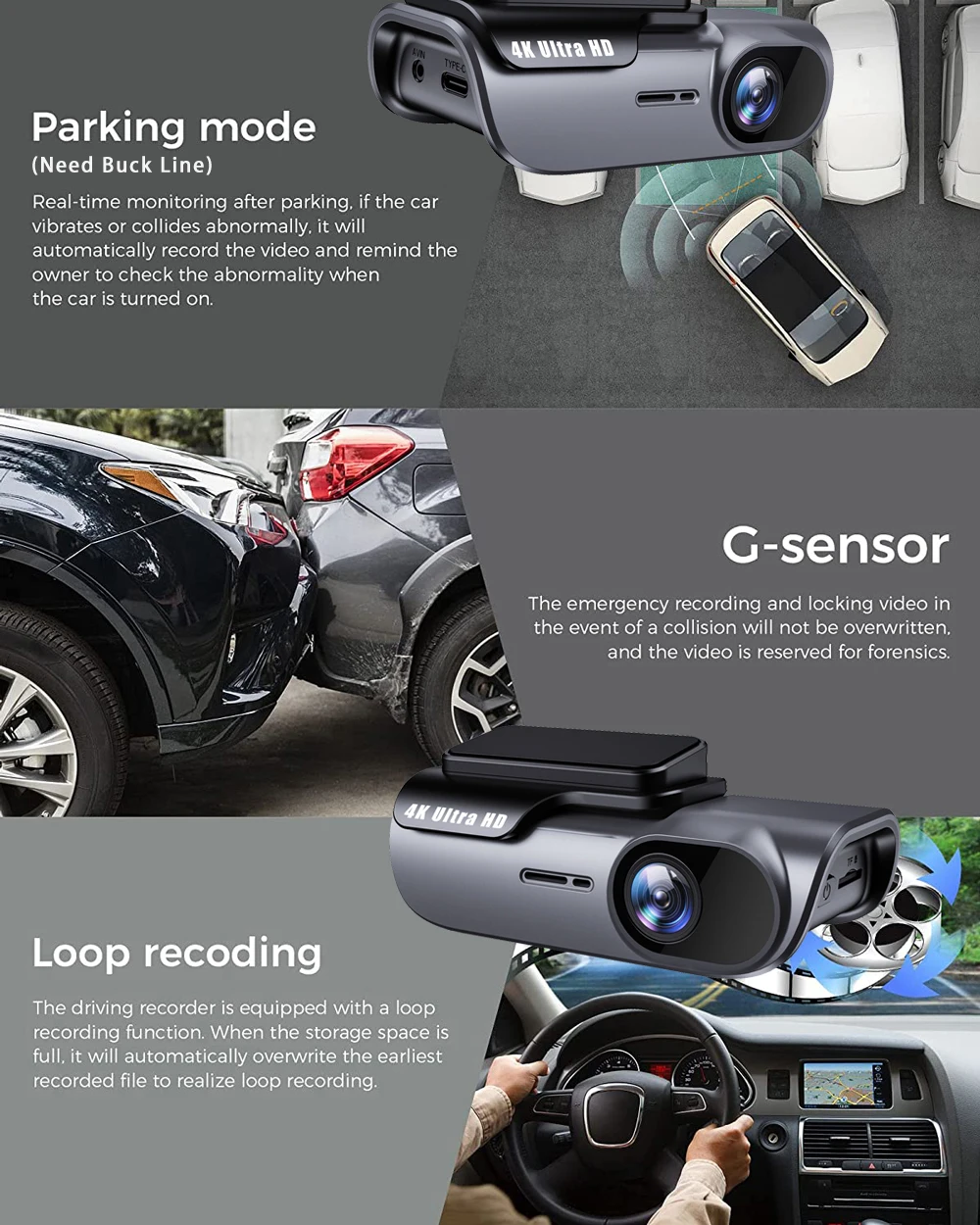
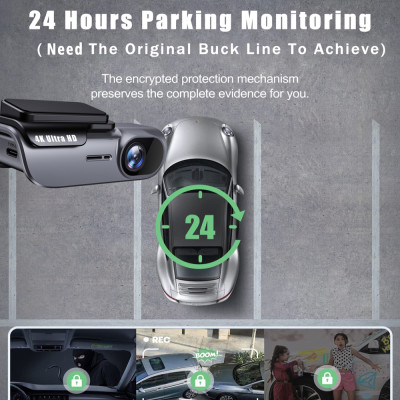
About 24-Hour Parking Monitoring:
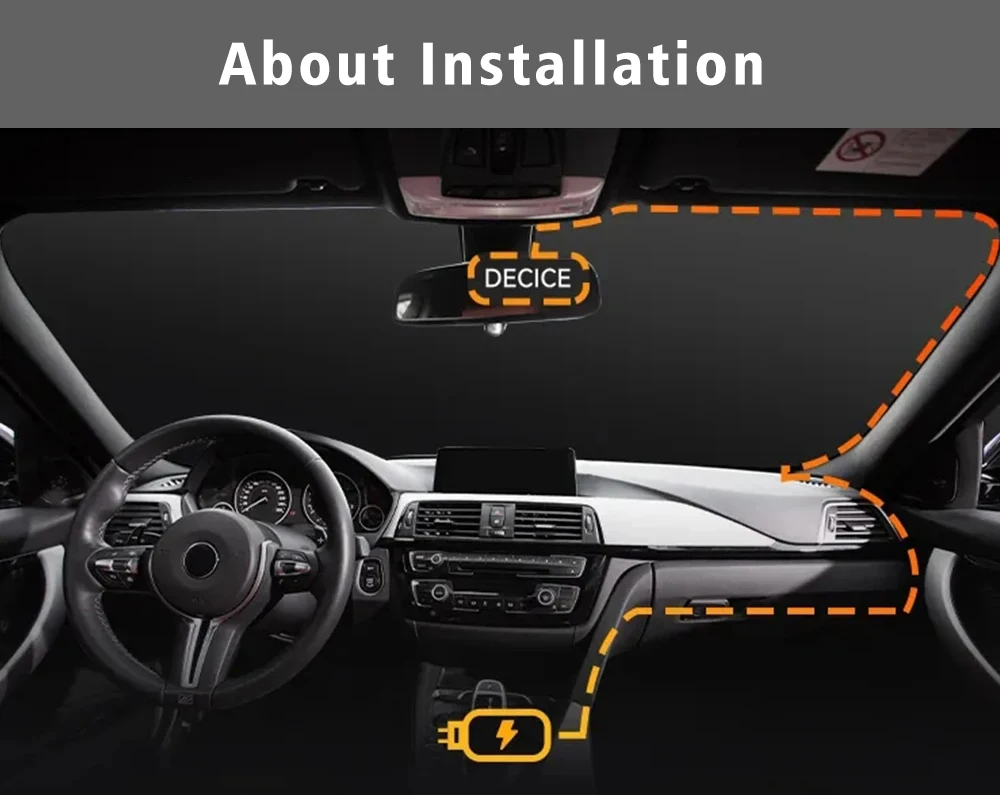
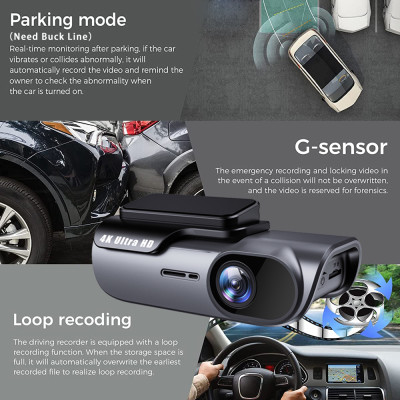
If you need the 24 hour parking monitoring function, you can order the corresponding Buck Line accessories to replace the car charger.Through Buck Line, the DVR power can be obtained directly from the car battery or car ACC, so that the DVR can maintain normal recording work even when the car is turned off.(Since different car models have different battery interfaces or ACC interfaces, it is not recommended to install it by yourself. It is recommended to find a professional to install the Buck Line.)